
Perfilm
Perfilm is a video and audio player built for iPhone and iPad. Easily browse and play movies, shows, and music stored on your device or home NAS. Optimized for iOS.

Features
Ways to use Perfilm
- Movie night at home Play movies, shows, and music directly from your NAS.
- Offline on a flight Transfer video and audio to your phone before takeoff and play them without a connection.
- Listening before bed Put on music or an audiobook and set playback to stop automatically.
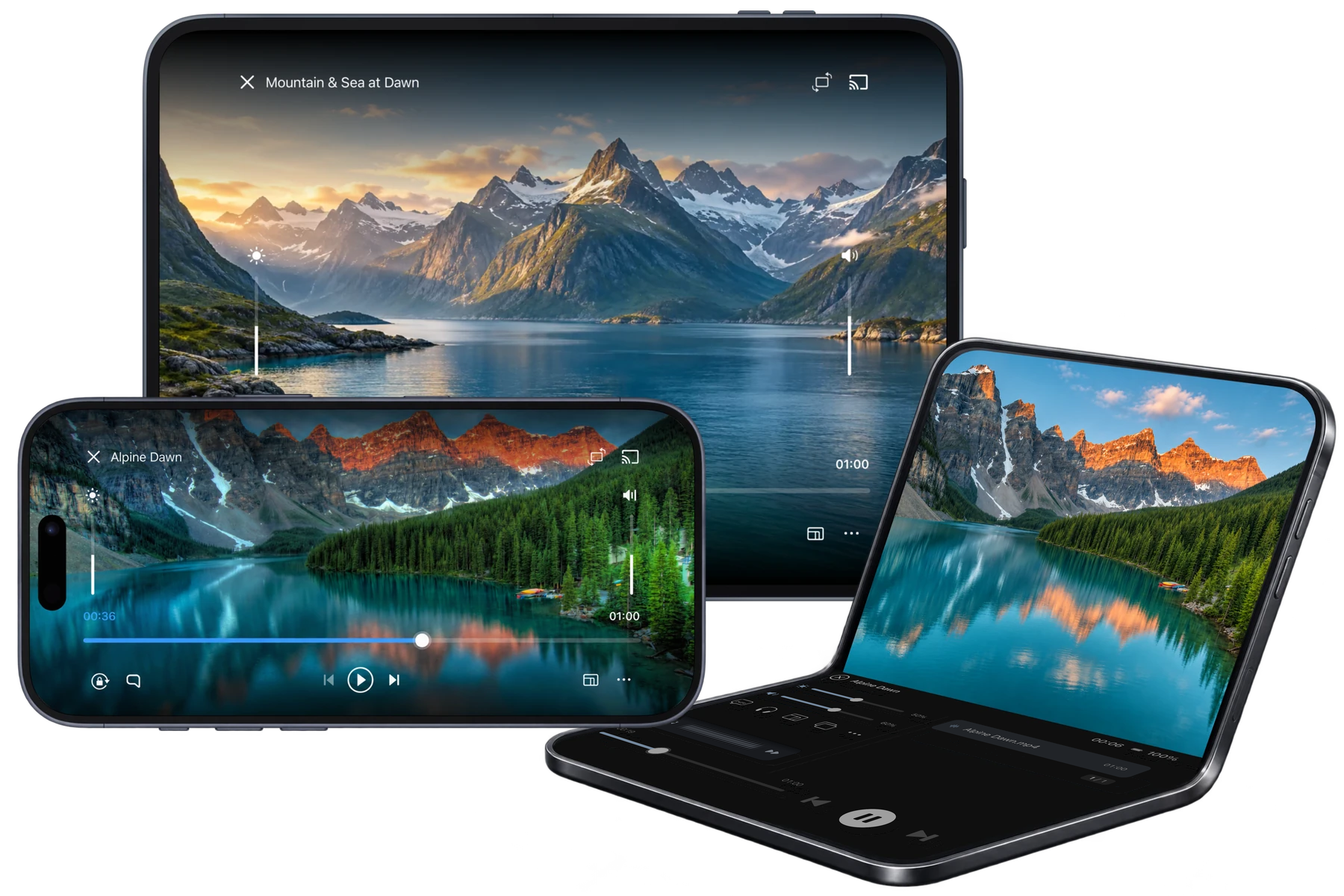
- Watching on a half-open Duo Watch on the upper half of iPhone Duo and adjust the playback position on the lower half.
FAQ
Which video and audio formats are supported?
Video file formats: MP4 / MP4V, MKV, MOV / QT, AVI / DivX, WebM, M4V, 3GP / 3G2 / 3GPP / 3GP2, MPEG / MPG / MPE / MPEG1 / MPEG2 / MPEG4 / MP2 / MP2V / MPV2, M1V / M2V, TS / TTS / M2T / M2TS / MTS, PS / VOB / VRO / EVO, FLV / F4V, ASF / WM / WMV, RM / RMVB, OGG / OGM / OGV / OGX, DV, MXF / GXF, DVR-MS / WTV, AMV, BIK, DAV, NSV, NUV
Video codecs: H.264 / AVC, H.265 / HEVC, AV1, VP8 / VP9, MPEG-1 / MPEG-2, MPEG-4 Part 2 (DivX / Xvid), H.261 / H.263, WMV / VC-1, Theora, MJPEG, ProRes, DV, RealVideo
Audio tracks in videos: AAC, MP3 / MP2 / MP1, FLAC, ALAC, Opus, Vorbis, PCM / LPCM, ADPCM, DTS, WMA, AMR, Speex; Dolby Digital (AC-3) and Dolby Digital Plus (E-AC-3) use iOS system decoding.
Standalone audio files: MP3, MP2, MP1, MPA, AAC, ADT, ADTS, M4A, M4B, FLAC, ALAC, APE, WAV, W64, AIF, AIFC, AIFF, CAF, AU, OGG, OGA, Opus, WMA, MKA, MPC, WV, TAK, TTA, AC3, A52, DTS, AMR, AWB, 3GA, RA, OMA, SPX, VOC, QCP, VQF, XA, AMB, AOB, ADX. Tracker module formats include 669, FAR, IT, MOD, MTM, S3M and XM.
CUE sheets: A CUE sheet points to audio files and marks track boundaries. This version cannot import standalone CUE sheets as playlists. Open the referenced APE, FLAC or other audio file directly.
Actual compatibility depends on the codecs, encoding profiles and device performance. The current version does not support TrueHD audio tracks.
How is Perfilm related to VLC?
Perfilm is built on the open-source VLC project and uses its media library, playback service and engine. Media browsing, navigation and some controls are adapted for iOS. The app retains the original copyrights, licenses and acknowledgments. In keeping with the open-source licenses, Perfilm is also open source and can contribute patches to the VLC community when needed.
How do I import video and audio?
Select a video or audio file in Files or another app and choose Perfilm from the share menu. You can also open the system file picker from Browse → Local files.
Once scanned, files imported into Perfilm’s local folder appear on the Videos or Audio tab according to their type.
How do I transfer files over the local network?
Connect both devices to the same local network. In Perfilm, go to Browse → Transfer Files and turn on local network file transfer. Open the displayed address in a browser on the other device to upload files or to browse and download from Device files.
Keep Perfilm in the foreground during transfers. The switch turns off after you quit the app; turn it on manually the next time you need it.
How do I connect to a NAS or SMB server?
Open Browse and select a discovered device under Local Network. If your server is not listed, tap the dashed “Add Server” card at the end of the list and enter its address and any required login details.
Make sure the server is reachable from your device and your account has read access to the relevant folder.
How do I find subtitles or switch audio tracks?
While playing a video, open the subtitle panel and start a search. The app finds matching subtitles automatically. Select a result to download it. You can also switch existing subtitle and audio tracks, import external subtitles or adjust synchronization.
What if playback, connections or the display do not work?
Use the feedback option in the app and describe the steps, device model, OS and app versions, media format and any error shown. You can hide server addresses, account names and other personal information in screenshots before sending them.